A flight booking packs a surprising amount of information into a few lines: a six-character code, a thirteen-digit number, a flight number that may belong to a different airline than the one you fly, times in two time zones, a fare brand, a baggage code, a seat, and a set of rules you probably never opened. Most of the time none of it matters. When something changes, though, knowing how to read those details is what separates a quick fix from hours on hold or a missed flight. This guide explains every part of a typical flight itinerary and boarding pass, what to check right after you book, how to handle schedule changes, and what happens on the day, from check-in to customs at the other end. It is written for anyone who wants to understand exactly what they have bought.
The short answer
Right after booking, check five things: the names match your passport or ID exactly, the dates and airports are the ones you meant (including arrival dates on overnight flights), which airline actually operates each flight, what your fare includes in bags, seats and changes, and that any connections are on one ticket with enough time. Save your booking reference and e-ticket number, add the flights to your calendar, and turn on notifications in the airline’s app so you hear about schedule changes first. On the day, the details that matter most are the check-in cutoff, the terminal and the time the boarding gate closes. You can compare flights by time, connection and airline on our flight search before you book.
Anatomy of a flight booking
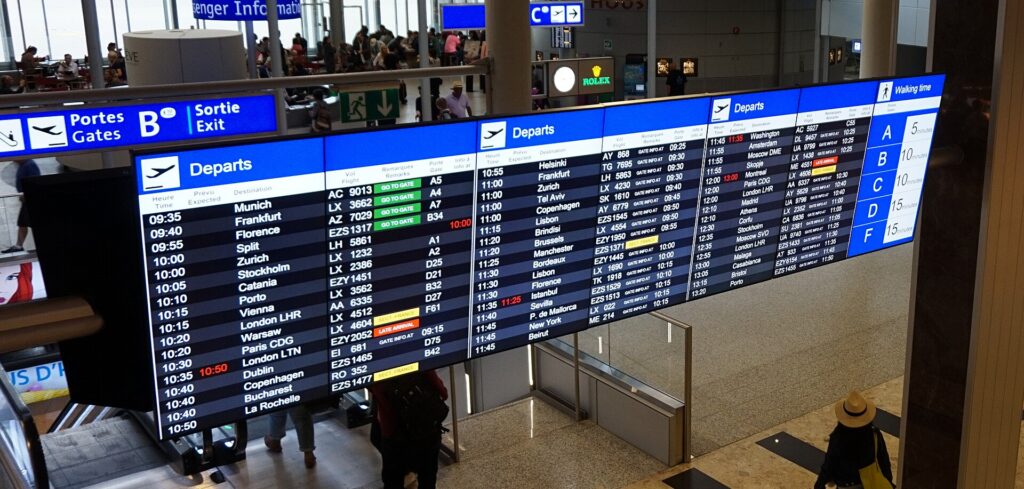
Here is what the main items on a confirmation mean and why each one matters.
| Detail | What it looks like | Why it matters |
|---|---|---|
| Booking reference | Six letters and numbers, also called a confirmation code, record locator or PNR | Used to manage the booking, check in and contact the airline |
| E-ticket number | Usually 13 digits; the first three identify the airline that issued the ticket | Proof that the ticket is paid for; needed for refunds and some changes |
| Passenger names | Surname and given names as entered at booking | Must match the passport or ID you travel with |
| Flight number | Two-character airline code plus a number, such as AC 123 | Identifies the flight; codeshares have more than one number |
| Operated by | The airline that flies the aircraft | Determines where you check in, which terminal and often which bag rules |
| Airports | Three-letter codes such as YYZ, YVR, JFK, LHR, CDG | Many cities have more than one airport |
| Times | Local times at each airport; a “+1” means the next day | Arrival dates on overnight flights affect hotel bookings |
| Cabin and fare brand | Economy, premium economy, business; basic, standard, flexible and similar | Controls bags, seat selection, changes and refunds |
| Booking class | A single letter, sometimes shown next to the cabin | Affects miles earned and upgrade eligibility |
| Baggage allowance | Pieces (1PC, 2PC, 0PC) or weight (23 kg) | Shows whether a checked bag is included |
| Seat | Row number and letter, or “assigned at check-in” | Whether you are seated together and where |
A ten-minute routine right after you book
The best time to catch a problem is the moment the confirmation arrives, when changes are cheapest or free. Work through this list before you close the email.
- Open the confirmation and the e-ticket receipt. A booking without a ticket number may not be fully ticketed yet. If no ticket number appears within a day, contact whoever you booked with.
- Read every name letter by letter against the passports.
- Check every date and airport code. Look for “+1” arrivals and any change of airport at a connection.
- Look up the booking on the airline’s website, and on the operating airline’s website for codeshare flights. Seeing the same reservation there confirms it is active.
- Add your frequent flyer number so the flights earn miles and any status benefits apply.
- Choose seats if your fare allows it, especially if you are traveling with children or want to sit together.
- Note the baggage allowance for each traveler and decide whether to prepay for a bag.
- Save the fare rules or a screenshot of the conditions shown when you bought the ticket.
- Add the flights to your calendar and turn on notifications in the airline app.
- Check entry requirements for every country on the trip, including connections.
If anything is wrong and you booked a flight to, from or within the United States at least seven days before departure, you usually have 24 hours to cancel without penalty. Other markets have different rules, so act quickly either way.
Names: the detail that causes the most trouble
Airlines check that the name on your ticket matches the name on your government ID, and on international flights, the name in your passport. Small differences can cause problems at check-in or at the border, and some airlines charge to correct a name after ticketing.
- Use your full legal name as it appears on your passport, not a nickname.
- Middle names are usually fine to include or leave out, but follow the airline’s instructions and be consistent.
- Hyphenated and multiple surnames can be displayed differently by different systems; enter them exactly as on your passport.
- Titles such as Mr or Ms are sometimes appended to the first name on tickets; that is normal.
- Fix mistakes immediately. For flights to, from or within the U.S. booked at least seven days ahead, the Department of Transportation’s 24-hour rule lets you cancel without penalty within a day of booking, explained on the DOT Aviation Consumer Protection site. Otherwise, call the airline as soon as you notice an error.
Flight numbers and codeshares
A codeshare is a flight sold by one airline but operated by another. You might buy a ticket from one airline with its flight number, but the aircraft, crew and service belong to its partner. Your itinerary will say “operated by” followed by the partner’s name.
This matters in several practical ways:
- Check-in and terminal: you usually check in with the operating airline, and at airports with several terminals, you go to the operating airline’s terminal.
- Bags: baggage rules can follow the operating or marketing carrier depending on the itinerary. Check your booking, and ask if unsure.
- Seats: seat selection may only be possible through the operating airline’s website, using its own booking reference, which can differ from the one you received.
- Service: the cabin, food and entertainment are those of the operating airline.
If a codeshare is involved, look up the booking on the operating airline’s website as well, so you can see its version of your reservation and seat.
Airports, terminals and times
Airport codes
Every commercial airport has a three-letter code. Some cities also have a city code covering several airports, such as NYC for New York or LON for London, which search engines use to show all airports at once. When you book, check which airport each flight actually uses: arriving at London Gatwick when your hotel is near Heathrow, or at Newark instead of JFK, changes your ground transport. Our airport guides, such as JFK, London Heathrow and Toronto Pearson, explain terminals and transfers.
Terminals
Terminals are sometimes shown on the booking and sometimes only on the day. Check the airline app or the airport website the day before, especially at large airports where terminals are far apart.
Times and dates
All times on an itinerary are local to the airport. A flight from Toronto to London that leaves at 9 p.m. arrives the next morning, shown with a “+1”. Flights west across the Pacific can arrive two calendar days later, while some eastbound flights across the Pacific appear to arrive before they left. The flight duration shown is the real time in the air plus taxiing, which is the easiest way to sanity-check an itinerary. When you book the hotel, match the arrival date, not the departure date.
Fare brands, cabins and booking classes
Most airlines now sell each cabin in several fare brands. The names differ, but they usually run from a basic fare with the fewest inclusions to a flexible fare with the most.
| Typical fare brand | Often includes | Often excludes |
|---|---|---|
| Basic | A seat, and a personal item | Advance seat selection, changes, refunds; on some airlines a full-size carry-on or checked bag |
| Standard | Carry-on, free or low-cost seat selection, changes with a fare difference | Refunds; sometimes checked bags |
| Flexible | Changes without fees, often refunds, more miles | Premium cabin benefits |
| Premium cabins | More space, checked bags, priority services | Varies by airline and route |
The single letter shown next to your cabin is the booking class, a code for the fare level within the cabin. You rarely need it, but it determines how many miles you earn and whether you can use certain upgrade options. Our guides to business class upgrade strategies and the difference between first and business class explain how cabins and upgrades work.
The fare rules
Every fare has rules, usually behind a link near the price. They cover changes, cancellations, refunds or credits, and what happens if you miss a flight. One rule surprises many travelers: on many airlines, if you do not show up for one flight on your itinerary, the remaining flights may be cancelled. If you need to skip a leg, contact the airline first.
Baggage allowance, decoded
Baggage allowances are usually shown in one of two ways. The piece concept lists a number of bags, such as 1PC or 2PC, each with a weight and size limit, and is common on flights to and from North America. The weight concept gives a total weight, such as 23 kg, across all your checked bags. “0PC” or “no free bags” means you will pay for any checked bag.
- Carry-on: most airlines allow one carry-on and one personal item in economy, with size limits, and some fares allow only the personal item. Our carry-on size guide explains how to check your airline’s current limits.
- Checked bags: fees are often per bag, per direction, and can be cheaper when paid in advance.
- Multiple airlines: when more than one airline is on your ticket, the rules of one carrier generally apply to the whole journey; your booking should say which.
- Separate tickets: each ticket has its own allowance, and bags are not transferred between separate tickets automatically.
Seats
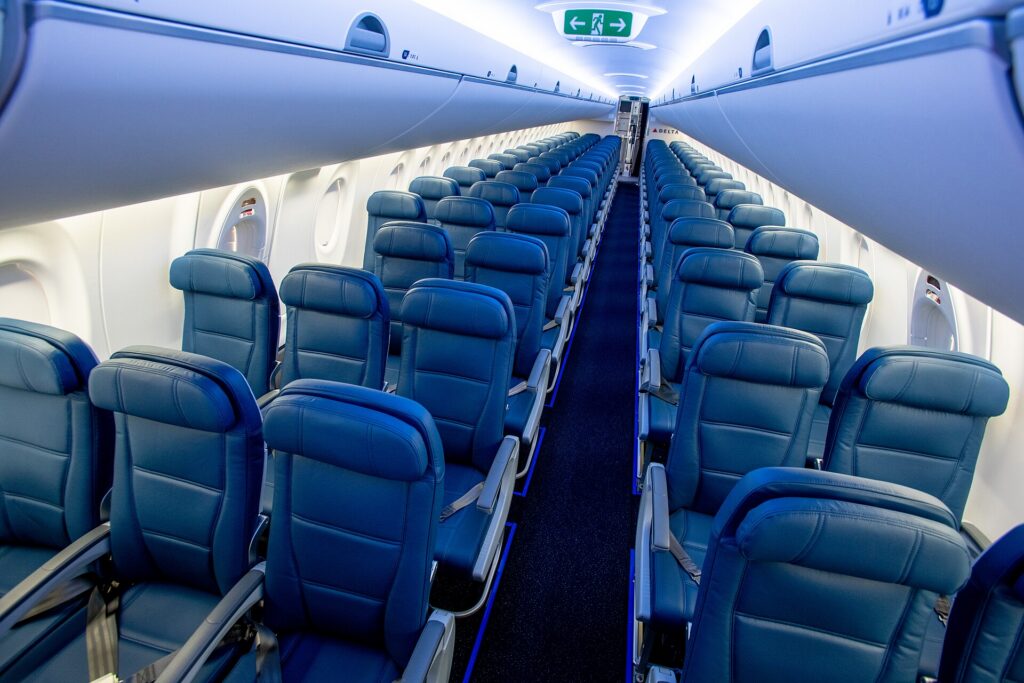
Seat maps use row numbers and letters. On a typical single-aisle aircraft with three seats on each side, A and F are windows and C and D are aisles. Wide-body aircraft add more letters, and the pattern varies, so look at the seat map rather than guessing. Exit rows have extra legroom but come with age and ability requirements. Bulkhead rows often have bassinet positions for infants but may have fixed armrests.
If your fare does not include seat selection, seats are usually assigned at check-in. Families traveling with young children should check the airline’s seating policy for keeping children with an adult; many airlines have one, and the U.S. DOT tracks which airlines commit to family seating.
Connections and layovers
Connections are where itineraries break, so check them carefully.
- Connection time: every airport has a minimum connection time, and tickets sold as one itinerary meet it. On international connections, especially where you must clear immigration or change terminals, more time is more comfortable.
- Change of airport: some itineraries connect between two airports in the same city, such as arriving at one London airport and leaving from another. The booking will flag it; it requires a ground transfer and much more time.
- Overnight connections: a long layover overnight may require a hotel and, in some countries, a visa to leave the airport.
- Stops versus connections: a “direct” flight with one stop keeps the same flight number but lands on the way. A nonstop does not land.
- One ticket versus several: on one ticket, the airline must rebook you if a delay causes a missed connection. On separate tickets, it does not.
Our international flights booking tips cover how to choose routings and how much connection time to allow.
Schedule changes and flight status
Airlines adjust schedules regularly, especially in the months before a flight. A change of a few minutes is routine. A change of hours, a new connection or a cancelled flight gives you options.
- Watch for notifications. Keep your contact details in the booking and turn on app notifications.
- Check the new itinerary. Is the connection still long enough? Does the new arrival still work for your hotel and plans?
- Know your options. In the U.S., the DOT requires a refund when an airline cancels or significantly changes a flight and you choose not to travel. In Canada, the Air Passenger Protection Regulations set out airline obligations for schedule disruptions. In the EU, EU air passenger rights apply to many flights.
- Ask for alternatives. If the new time does not work, airlines can often move you to another flight on the same day or nearby dates.
For flight status on the day, the airline’s app is the most accurate source. The U.S. DOT’s FlightRights.gov dashboard summarizes what major U.S. airlines commit to when flights are delayed or cancelled for reasons within their control.
Check-in
Online check-in typically opens 24 hours before departure on many airlines, sometimes earlier. It confirms you will travel, lets you choose or confirm a seat and issues a boarding pass. On international flights you may need to enter passport details, known as advance passenger information, and some passengers must still have documents verified at the airport before boarding.
Know the airline’s check-in and bag drop deadlines for your flight. For international departures they are often around an hour before departure and can be earlier. Our guide to how early to arrive for an international flight explains how to plan your airport timeline.
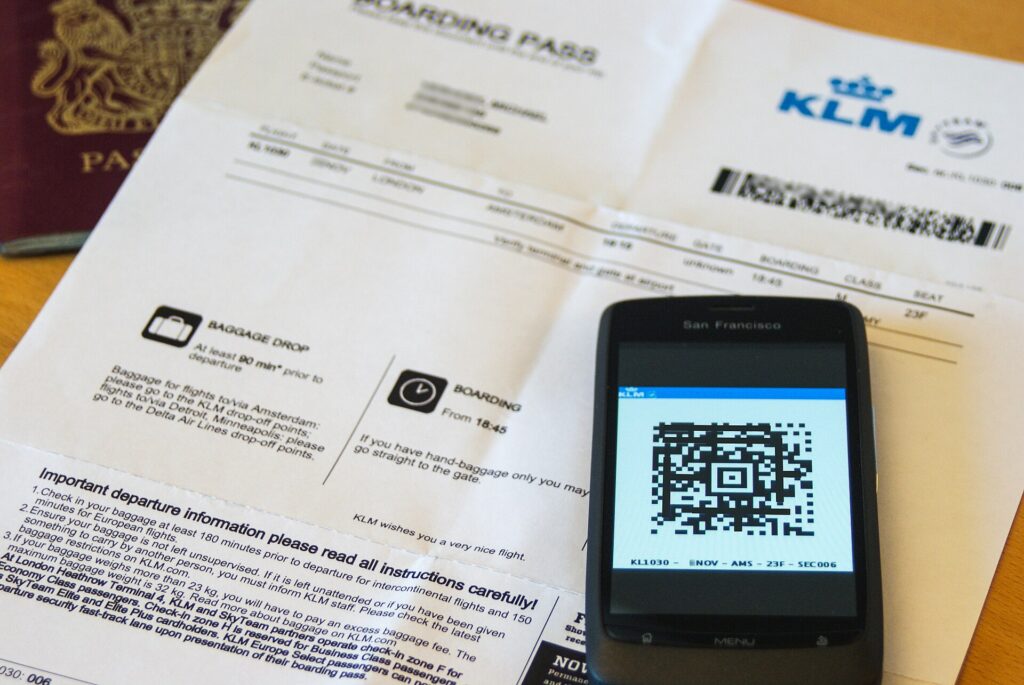
Your boarding pass, decoded
| Field | Meaning |
|---|---|
| Name | Must match your ID |
| Flight and date | Flight number and the local departure date |
| Gate | May be blank or change; check airport screens |
| Boarding time | When boarding begins, not when the door closes |
| Group or zone | Your boarding order |
| Seat | Your assigned seat, or a note to see an agent |
| Sequence number | The order in which you checked in |
| Security indicators | On U.S. flights, “TSA PreCheck” if eligible; “SSSS” means selected for additional screening |
| Barcode or QR code | Contains your name and booking reference |
Do not post a photo of your boarding pass online. The barcode contains your booking reference, which someone could use to access or change your reservation.
Security and boarding
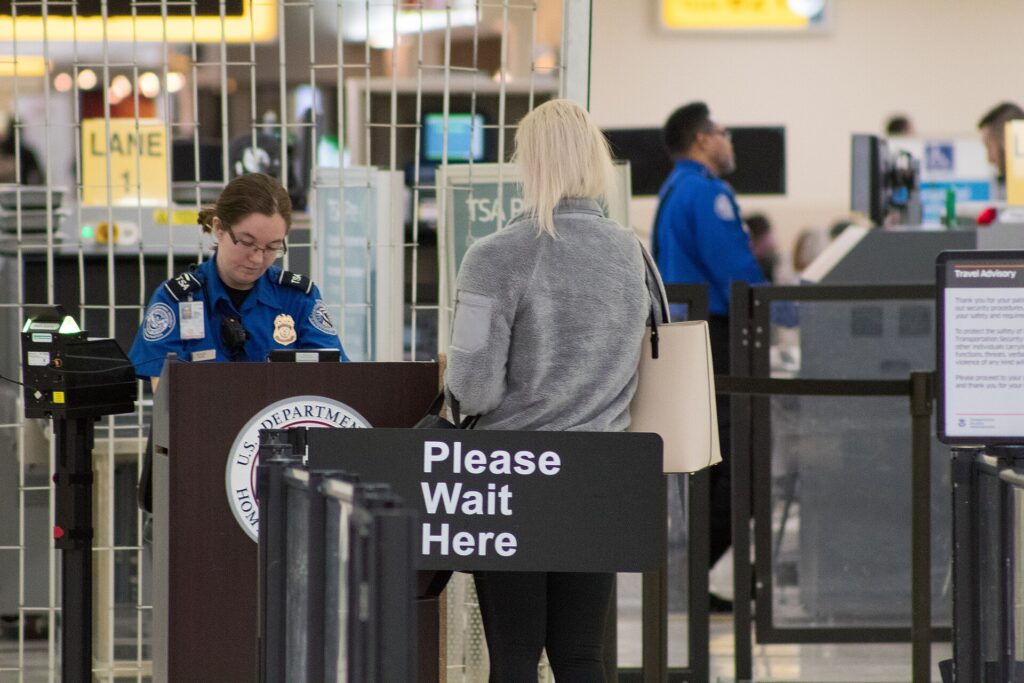
Security screening rules are set by each country. In the U.S., the TSA’s What Can I Bring page lists what is allowed, and the liquids rule limits carry-on liquids to small containers in one bag. In Canada, CATSA publishes the equivalent guidance. Pack liquids and electronics where you can reach them, and dress for easy screening; our guide to what not to wear on a flight covers what slows people down.
Boarding usually begins 30 to 60 minutes before departure on larger aircraft, in groups or zones. Have your boarding pass and ID ready. On international flights, staff often check passports again at the gate. Gates close before departure, so do not wander too far once boarding is near.
On board
For comfort on longer flights, a few things help: wear layers, drink water, move around when it is safe, and keep essentials such as your passport, medications, chargers and a change of clothes in your carry-on, not in a checked bag. On long-haul flights, entertainment is usually provided, but downloading shows to your own device is a good backup. Our guides to airplane neck pillows and noise-cancelling headphones cover gear worth packing.
Arrival, immigration and customs
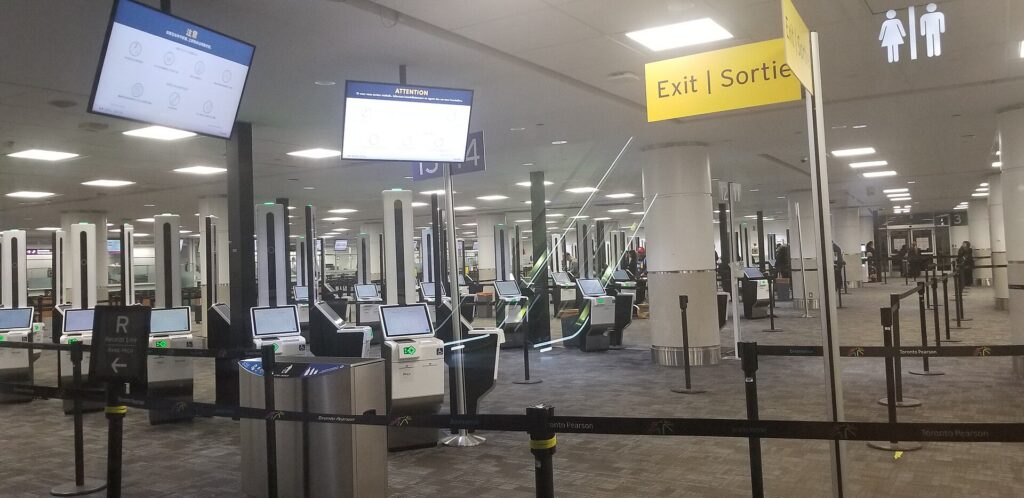
On an international arrival, follow signs to immigration, present your passport and any visa or authorization, collect your bags and then clear customs. Customs rules vary by country; entering Canada, the Canada Border Services Agency explains what to declare. If you are connecting, you may need to recheck bags and go through security again. Before you travel, check your destination’s entry rules through your government’s travel advice, such as Canada’s travel advice and advisories.
Special situations to flag on your booking
Some details are not part of the ticket itself but need to be added to the reservation, ideally at the time of booking.
- Infants and children: a lap infant usually needs to be added to the booking and may need their own ticket on international flights. Request a bassinet early if the aircraft offers them.
- Young travelers flying alone: airlines have their own age limits and procedures, and some charge for the service. Arrange it directly with the airline.
- Accessibility and assistance: request wheelchair assistance or other support when you book, and confirm it before the flight. Mobility aids and medical devices have specific handling rules.
- Special meals: dietary meals on full-service flights generally need to be requested in advance, often at least a day or two before departure.
- Pets: pets in the cabin or hold must be booked with the airline, have limited spaces and require documents for international travel.
- Sports equipment and musical instruments: check size limits and fees, and add them to the booking where the airline allows.
Keeping your flight details organized
- Save the essentials in one place: booking reference, e-ticket number, airline contact details and your frequent flyer number.
- Add every flight to your calendar in the local time of departure, and check that your calendar handles time zones correctly.
- Take a screenshot of your boarding pass in case the app fails, and keep a paper copy for important trips.
- Share your itinerary with someone at home.
- Add your frequent flyer number to each booking, including codeshares.
- Keep receipts for bags and seats in case of refunds or disputes.
Common mistakes
- Name mismatches between the ticket and the passport.
- Booking the wrong airport in a multi-airport city.
- Missing the “+1” and booking the hotel for the wrong night.
- Going to the wrong terminal on a codeshare flight.
- Assuming a bag is included on a basic fare.
- Skipping a flight and losing the rest of the itinerary.
- Ignoring schedule change notices that break a connection.
- Posting a boarding pass photo online.
Frequently asked questions
What is the difference between a booking reference and a ticket number?
The booking reference is a six-character code that identifies your reservation. The ticket number, usually 13 digits, proves the ticket has been paid for. You typically use the booking reference to manage your trip and the ticket number for refunds and some changes.
What does “operated by” mean on my ticket?
It means the flight is a codeshare: another airline flies the aircraft. You usually check in with that airline and go to its terminal.
Why does my arrival say “+1”?
The flight lands the next calendar day, local time. Book your hotel for that date.
How do I know if my fare includes a checked bag?
Look for the baggage allowance on your booking, often shown as 1PC, 2PC, 0PC or a weight. If unsure, check the airline’s website with your booking reference.
What should I do if the airline changes my flight time?
Check whether the new schedule still works, including connections. If it does not, contact the airline about alternatives or a refund, depending on the rules that apply.
Can I skip one flight on my itinerary?
Be careful. Many airlines cancel the rest of your itinerary if you miss a flight without telling them. Contact the airline first.
What does SSSS on my boarding pass mean?
On U.S. flights, it means you have been selected for additional security screening. Allow extra time at security.
Ready to book with confidence? Compare flights by time, connection and operating airline on our flight search, and read our guide to the best time to book cheap flights and hotels to pick the right dates. Once your flight is set, find a room for the right night on our hotel search.
Keep planning with TicketScanner
- Best time to book cheap flights and hotels
- International flights booking tips
- How early to arrive for an international flight
- Carry-on size guide
- First class vs business class
- What not to wear on a flight
- Business class upgrade strategies
- Compare flights — by time, connection and airline
- Toronto Pearson (YYZ) airport guide
- Best time to fly to London