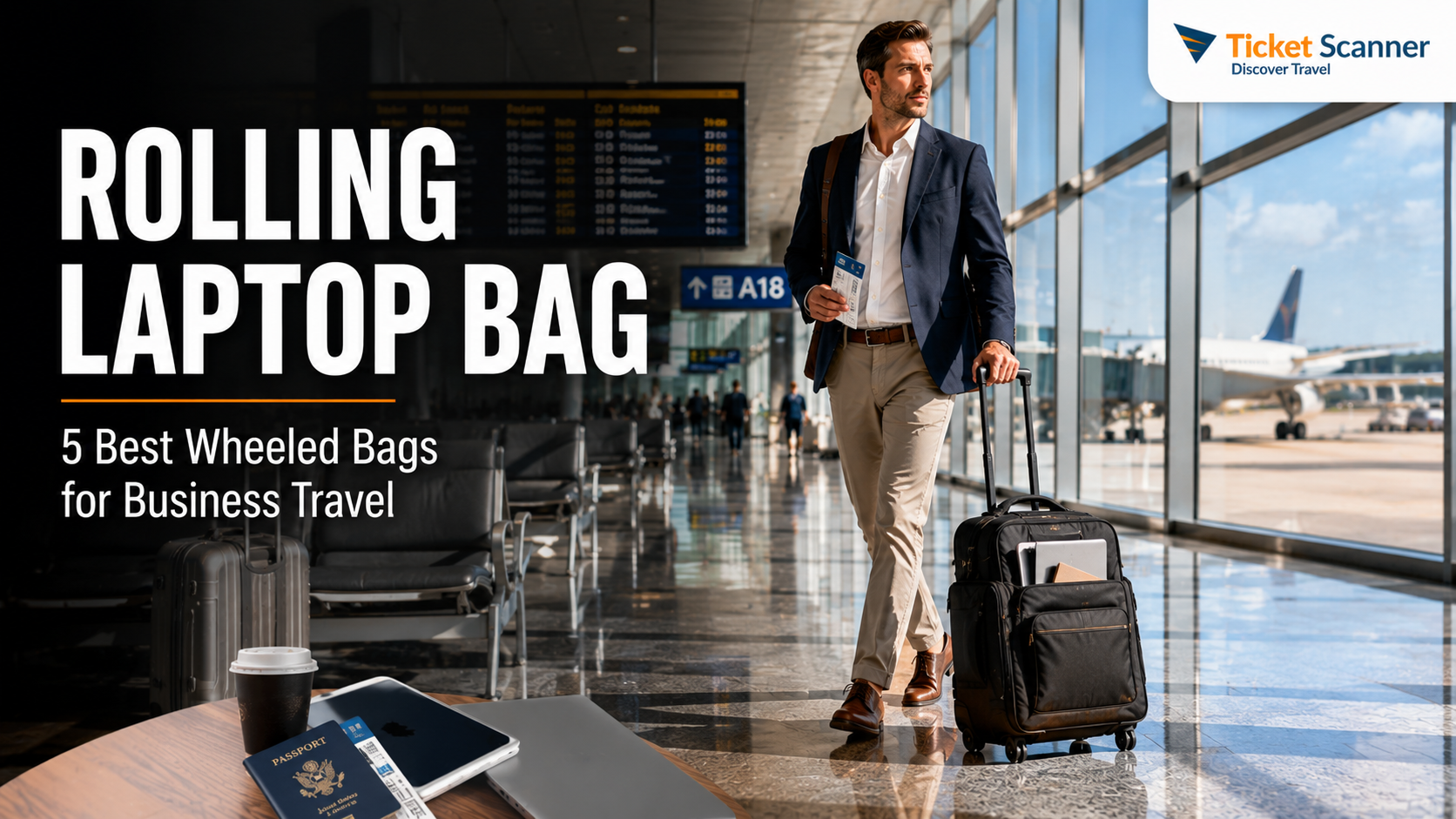
A heavy laptop bag feels fine for the first ten minutes. By the time you have walked the length of a big-airport concourse, stood in a security line and crossed a convention center, the strap has dug a groove into your shoulder and you are shifting the bag from side to side every few steps. A rolling laptop bag solves that by putting the weight on wheels: a padded compartment for your computer, room for chargers and files, and a telescoping handle so you pull it instead of carrying it. It is not the right bag for everyone, though. Wheels add weight, a wheeled case can count as your full carry-on rather than your personal item, and stairs, cobblestones and crowded trains are much less friendly to wheels than airport floors. This guide explains the different kinds of rolling laptop bags, how airline size rules affect which one you should buy, what to look for in wheels, handles, materials and organization, how to get through security and pack batteries correctly, and the options from our original list with who each one suits. It is part of our travel gear series, which starts with our main guide to choosing travel luggage.
The short answer
If you fly often with a laptop and your shoulders object to a heavy tech bag, a rolling laptop bag is worth it, but choose the type carefully. For day commutes and short work trips, a compact wheeled briefcase with a padded laptop sleeve and a trolley strap is the most practical. For overnight trips, an overnight roller or laptop spinner with a separate clothing section can replace a suitcase entirely. If you already travel with a carry-on suitcase, consider a carry-on with a built-in laptop pocket plus a slim personal item instead of two wheeled bags. Before you buy, measure your laptop, not just its screen size, and compare the bag’s outside dimensions, wheels included, with the carry-on and personal-item limits of the airlines you use. Spare batteries and power banks always go in the cabin, never in a checked bag, and the rolling bag is a good place for them.

What counts as a rolling laptop bag?
The term covers several quite different bags. Knowing which kind you are looking at saves a lot of confusion when you compare product listings.
Wheeled briefcase or laptop roller
This is the classic design: a briefcase-shaped bag, usually upright, with two inline wheels, a telescoping handle and a padded laptop compartment. It holds a laptop, a tablet, files, a notebook and a charger or two, with perhaps enough spare room for a shirt. It is aimed at commuters and day trips, and it is often the smallest and lightest wheeled option.
Laptop spinner
A laptop spinner has four wheels that turn in every direction, so you can push it beside you rather than tow it behind. Spinners are easy to steer on smooth floors and in tight spaces like airplane aisles. They are usually a little taller and heavier than a two-wheel roller, and the exposed wheels are more vulnerable on rough ground.
Overnight roller
An overnight roller adds a clothing compartment to the laptop section. It is designed for one- or two-night business trips where you want a single wheeled bag for everything: laptop, chargers, a change of clothes and a toiletry kit. Many are sized close to a full carry-on, which matters for airline rules.
Carry-on suitcase with a laptop pocket
Many softside carry-ons now have a padded front compartment for a laptop. This is not a laptop bag in the strict sense, but for many business travelers it is the better answer: one wheeled bag for clothes and computer, and a small personal item for the flight.
| Type | Best for | Strengths | Watch out for |
|---|---|---|---|
| Wheeled briefcase (two wheels) | Daily commutes, day trips, meetings | Compact, light for a wheeled bag, handles curbs well | Limited space; strains the wrist on long pulls |
| Laptop spinner (four wheels) | Frequent flyers, big airports | Pushes beside you, easy in aisles and crowds | Exposed wheels, rolls away on slopes and trains |
| Overnight roller | One- or two-night business trips | Replaces a suitcase; clothes and tech in one bag | Often counts as your full carry-on |
| Hardside rolling case | Fragile gear, rainy climates | Crush and water protection, wipes clean | Rigid, fewer pockets, can scuff |
| Carry-on with laptop pocket | Travelers who already use a carry-on | One wheeled bag for everything | Laptop pocket may be less padded than a dedicated case |
The airline question: personal item or carry-on?
This is the most important thing to get right, and the one most product listings gloss over. Most airlines allow two cabin items on standard fares: a carry-on for the overhead bin and a smaller personal item that must fit under the seat in front of you. A slim laptop bag usually counts as the personal item. A wheeled laptop bag, because of the wheel housing and the handle, is often big enough to count as the carry-on instead.
That has real consequences:
- If the rolling bag is your carry-on, you cannot also bring a carry-on suitcase on most fares. That works for day trips and one-night stays, but not for longer trips unless you check a bag.
- If you want the rolling bag as your personal item, it has to fit the airline’s personal-item dimensions and go under the seat. Only the most compact wheeled briefcases manage this, and under-seat space varies between aircraft and seat rows.
- Basic and ultra-low-cost fares sometimes include only a personal item. A wheeled bag that counts as a carry-on may trigger a fee at the gate.
- Measurements include wheels and handles. A bag listed as fitting a 15.6-inch laptop says nothing about its outside dimensions. Look for the full external measurements, or measure it yourself with the pockets packed.
Rules differ between airlines and change often, so check the official page before you buy and again before you fly. Good starting points are Air Canada carry-on baggage, WestJet carry-on baggage and Delta carry-on baggage. Our guide to Delta carry-on size rules walks through one airline in detail, and the travel luggage guide explains how carry-on and personal-item limits fit together across a whole bag system.
A practical rule: if you usually travel with a carry-on suitcase, look for a rolling laptop bag with a trolley sleeve that slides over the suitcase handle, or skip wheels on the laptop bag entirely and let the suitcase do the rolling. If the laptop bag is your only bag, a larger overnight roller makes sense.
How to choose a rolling laptop bag
Laptop fit
Screen size is only a rough guide. Two laptops with 15.6-inch screens can differ in width, depth and thickness, and a gaming or workstation laptop can be much thicker than an ultrabook. Measure your laptop’s actual width, depth and thickness and compare them with the internal dimensions of the laptop compartment if the maker lists them. The compartment should hold the laptop snugly, with padding on all sides and a raised or suspended floor so the laptop does not take the impact when the bag is set down hard.
Wheels
Two inline wheels are recessed into the frame, which protects them and handles curbs, gravel and uneven sidewalks better. Four spinner wheels let you push the bag upright beside you and turn in place, which is easier in terminals, aisles and elevators. Larger wheels roll more smoothly over cracks and thresholds. Replaceable wheels are a sign of a bag built to be repaired rather than thrown away.
Handle
A telescoping handle should lock firmly at more than one height and not rattle when extended. Twin-pole handles are generally steadier than single-pole designs. Tall travelers should check the fully extended height; a handle that is too short makes you stoop and swing the bag into your heels. Carry handles on the top and side matter every time you lift the bag into a bin or a trunk, and the wheels and handle add weight, so when two bags seem equal, choose the lighter one.
Materials
Higher-denier ballistic nylon and polyester resist abrasion well and hide scuffs. Water-resistant fabric and coated zippers protect electronics in a sudden downpour between a taxi and a lobby, which is more common than most people expect. Hardshell cases protect against crushing but scuff visibly.
Organization
Look for a front panel with slots for pens, cards and a phone; a zip pocket or pouch for chargers and cables; a file section for documents; and a quick-access pocket for a passport and boarding pass. Our guide to laptop travel accessories covers cable pouches, adapters and stands that fit inside.
Security features
Lockable zippers, a hidden pocket against the back panel and puncture-resistant zippers make a bag harder to open quietly. They are not a replacement for keeping the bag in sight. If theft in crowds is your main worry, our guide to anti-theft backpacks explains which features actually matter and why.
Security screening with a rolling laptop bag
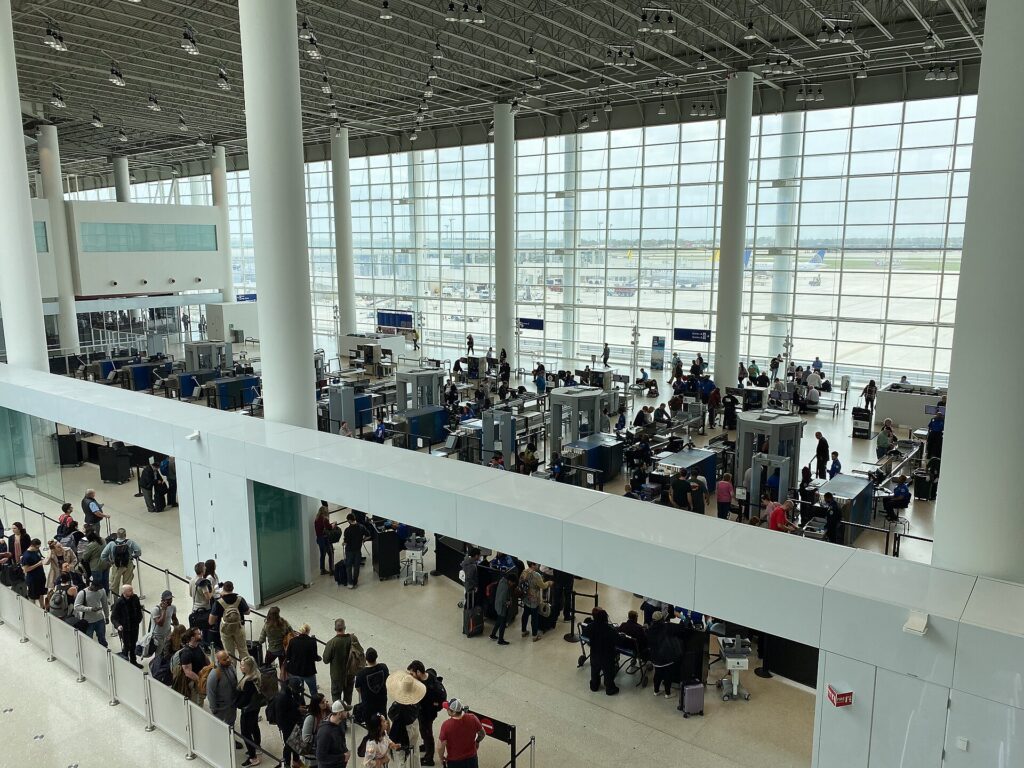
Airport screening rules for laptops are not the same everywhere. At many checkpoints you still need to take a laptop out and place it in its own bin; at checkpoints with newer screening technology, or for travelers in trusted traveler programs, laptops can sometimes stay in the bag. The rule is whatever the officers at that checkpoint tell you, so pack for the strictest case:
- Put the laptop in the compartment closest to the top or back, so it slides out without unpacking anything else.
- Keep liquids, gels and aerosols in one clear bag in an outside pocket, ready to remove if asked. The TSA liquids rule covers US airports, and CATSA’s what-can-I-bring page covers Canadian ones.
- Avoid dense clutter around the laptop. A tangle of cables and chargers packed tightly around the computer is more likely to need a second look.
Allow enough time for all of this, especially on international departures. Our guide to airport arrival times for international flights explains how early to get there.
Power banks, spare batteries and your laptop bag
A laptop bag is where most travelers keep their power bank, a spare camera battery or a charging case, so the lithium battery rules matter here. The principles are consistent across North America, even though the details are set by each authority and airline:
- Spare lithium batteries and power banks go in the cabin, never in checked baggage. Batteries installed in a laptop or phone are treated differently from spares, but the safest habit is to keep all battery-powered devices with you.
- Size limits are based on watt-hours. Most phone power banks and laptop batteries sit under the common 100 Wh threshold. Larger batteries generally need airline approval, and very large ones are not allowed at all.
- Protect the terminals. Keep spares in their original packaging, a protective case or a separate plastic bag, away from keys and coins.
- If a rolling bag gets gate-checked, take the laptop, power bank and any spare batteries out before you hand it over. This is the most common way batteries end up in the hold by accident.
- Airlines can be stricter. Some carriers have added their own limits on using or charging power banks during the flight, so read your airline’s page as well.
Read the official guidance before you fly: the FAA’s PackSafe page on lithium batteries, the TSA’s power banks entry and CATSA’s guidelines for batteries. If you want fewer chargers in the bag to begin with, our guide to 3-in-1 Apple chargers shows how one charger can cover a phone, a watch and earbuds.
Options from our original list
The bags below were featured in the original version of this guide. They cover different needs rather than a strict ranking, and designs, sizes and features change between versions and sellers, so confirm the current details and outside dimensions before you buy.
Amazon Basics 15.6-inch rolling laptop bag
Amazon Basics sells a simple wheeled laptop case designed for laptops up to 15.6 inches, with a telescoping handle and a main compartment for files and accessories. It is a budget option for commuters and occasional business travelers who want to get the weight off their shoulders without spending much. As with any budget bag, check the wheels and zippers when it arrives, and treat it as a commuting bag first and a heavy-duty travel bag second.
Rockland Revolution hardside rolling computer case
Rockland’s Revolution rolling computer case uses a hard shell instead of fabric, with wheels and a pull handle. A hardside case like this suits travelers who worry about crushing and rain more than about outside pockets, and people who like a clean, wipeable exterior. Check the outside dimensions against your airline’s carry-on limit, and remember that a rigid case will not flex to fit a tight under-seat space.
Travelpro Maxlite 5 carry-on spinner
The Travelpro Maxlite 5 21-inch expandable carry-on spinner is a suitcase rather than a laptop bag, but it earned its place on the original list as an alternative for people who want one wheeled bag for clothes and work gear. Travelpro describes the Maxlite line as one of its lightest wheeled carry-ons, with four spinner wheels and an expansion zipper, and notes that a fully expanded case may not meet airline carry-on limits. Pair it with a slim laptop sleeve or a small personal item and you have a complete business-trip setup.
Kensington Contour 2.0 laptop spinner
Kensington’s Contour 2.0 Executive Balance Laptop Spinner is a four-wheel laptop spinner for 15.6-inch laptops. Kensington describes it as a four-wheeled spinner made from water-resistant ballistic polyester, with a lockable zip and a trolley pass-through for stacking it on a larger roller. It suits frequent business travelers who want a dedicated, well-organized laptop spinner, and the line also includes larger overnight versions with a clothing compartment.
BAGSMART 17.3-inch quilted rolling laptop bag
BAGSMART’s rolling laptop bag pairs a quilted exterior with wheels and a compartment designed for laptops up to 17.3 inches. It is marketed mainly to women, but it suits anyone who carries a large laptop and wants a bag that looks more like a stylish tote than a standard black briefcase. With a laptop this large, check both the compartment size and the bag’s outside dimensions, since big-laptop bags often end up counting as your carry-on.
Rolling bag, backpack or shoulder bag?
Wheels are not always the answer. Here is how the three main ways to carry a laptop compare:
- Rolling bag: best for heavy loads, long airport walks, flat cities and anyone who finds carrying weight on the shoulders uncomfortable. Weaker on stairs, cobblestones, crowded trains and anywhere without elevators.
- Backpack: best for mixed terrain, public transit, multi-city trips and travelers who want their hands free. It spreads weight across both shoulders and is usually lighter than a wheeled bag. Our guide to the Peak Design Travel Backpack 45L covers carry-on travel packs with laptop compartments, and anti-theft backpacks add security features for busy cities.
- Shoulder bag or briefcase: best for light loads and short carries, and it looks the most formal. It becomes uncomfortable quickly once it holds a heavy laptop, chargers and files.
Many business travelers own both and pick by trip.
How to pack a rolling laptop bag
- Laptop first, in the padded compartment, with nothing hard pressing against the screen side.
- Heavy items low and near the wheels: the power brick, a power bank in its pouch, a mouse. This keeps the bag stable and stops it tipping forward when you let go.
- Cables and small chargers in one pouch so you can pull them all out at a hotel desk or a security bin in one move.
- Documents and a notebook flat in the file section, away from anything that could leak.
- Liquids bag and passport in outside pockets for quick access at security and check-in.
- A layer and a snack on top for cold cabins and delayed flights.
- Leave some room. An overstuffed laptop bag puts pressure on the laptop and makes zippers fail.
If you type a lot on the road, a folding travel keyboard slips into the front panel and turns a tablet or a hotel desk into a proper workstation. For long flights, noise-cancelling headphones are the one extra most business travelers never leave behind.

Using a rolling bag on real trips
Trains and transit
On trains and subways, a spinner will roll with every brake and curve. Lay it on its back, wedge it between your feet or choose a two-wheel roller that stands more steadily. Stairs at older stations are the weak point; a shoulder strap or a grab handle at the base makes carrying easier.
Hotels and offices
Rolling bags are at home on hotel corridors and office carpets. When you arrive, unpack the laptop and chargers onto the desk rather than working out of the bag; it is easier to see what you have and harder to leave something behind at checkout. If you are choosing where to stay for a work trip, our business travel hotels guide covers what to look for in a room you need to work from.
Care, repairs and warranties
Wheels, handles and zippers fail first, so check them a week before a trip rather than the night before. Wipe wheels clean after rain or grit, push the handle fully down before lifting by the side handle and never sit on a spinner. Many brands sell replacement wheels and handles, and a luggage repair shop can often fix a wheel for much less than a new bag. Warranties vary widely, from short defect-only coverage to long guarantees that include damage from travel. Keep the receipt, register the bag if the brand asks you to and read the warranty terms before you choose between two similar bags.
Common mistakes
- Buying by screen size alone. Measure the laptop, especially if it is thick or has a large power brick.
- Forgetting that wheels change the category. A wheeled bag often counts as your carry-on, not your personal item.
- Packing batteries loose. Keep power banks and spares protected and in the cabin, and remove them if the bag is gate-checked.
- Ignoring the handle height. A short handle is tiring and makes the bag clip your heels.
Frequently asked questions
Is a rolling laptop bag allowed as a personal item?
Sometimes, but not usually. Only compact wheeled briefcases that fit the airline’s personal-item dimensions and go under the seat qualify. Many rolling laptop bags are large enough to count as the carry-on. Check the airline’s official limits and measure the bag with wheels and handle included.
Are spinner wheels or two wheels better for a laptop bag?
Spinners are easier in airports and aisles and can be pushed beside you. Two inline wheels handle curbs, cobblestones and sidewalks better and are less likely to break. Choose based on where you roll most.
What size rolling laptop bag do I need?
Measure your laptop’s width, depth and thickness and compare them with the compartment, not just the listed screen size. Then choose the smallest bag that holds everything you carry on a typical trip.
Can I keep my power bank in a rolling laptop bag?
Yes, as long as the bag stays with you in the cabin. Spare lithium batteries and power banks are not allowed in checked baggage, so take them out if the bag is gate-checked. See the FAA, TSA and CATSA pages linked above.
Do I have to take my laptop out at security?
It depends on the checkpoint and your screening program. Many checkpoints still require it, while some newer ones do not. Pack the laptop where you can slide it out quickly and follow the officers’ instructions.
Is a rolling laptop bag better than a backpack?
For heavy loads and airport-heavy trips, often yes. For trains, stairs, old cities and hands-free travel, a backpack is usually better. Many frequent travelers own both.
Once the bag is sorted, focus on the trip. Compare fares for your next work trip on our flight search, find a hotel with a proper desk on our hotel search, and pick up a car with room for your bags on our car rental search. If your next meeting is in Toronto, our guide to getting around Toronto will help you decide between a rental and transit, and flights to Toronto are a good place to start. For the rest of your kit, head back to our main guide to travel luggage.
Keep planning with TicketScanner
- Top travel luggage bags: the buying guide — the travel gear guide
- Laptop travel accessories
- Anti-theft backpacks for travel and commuting
- Peak Design Travel Backpack 45L and carry-on travel packs
- Travel keyboards for working on the road
- 3-in-1 Apple chargers for travel
- Business travel hotels guide
- Search flights — compare fares for your next work trip
- Toronto: car rental or public transit?