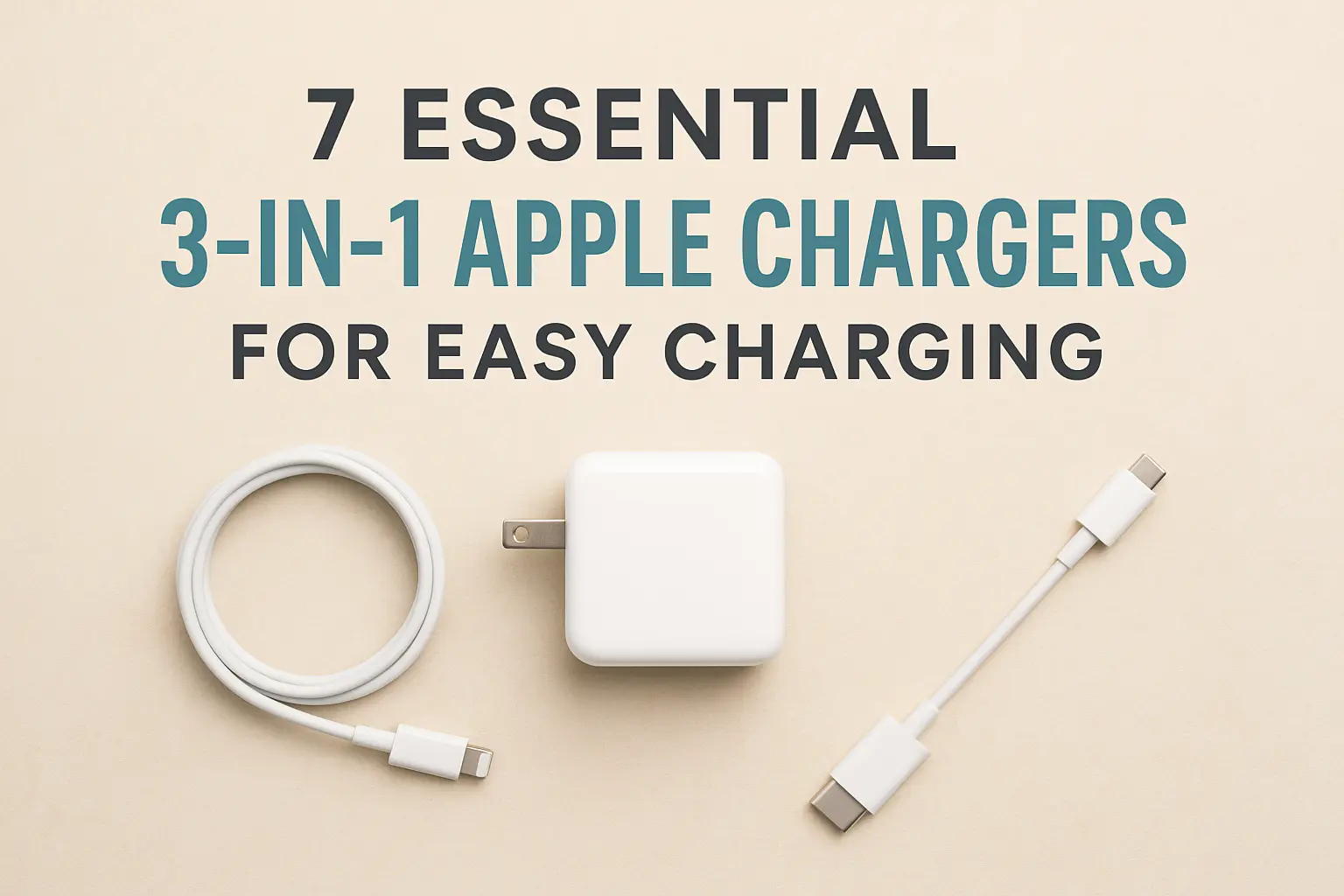
If you travel with an iPhone, an Apple Watch and AirPods, you know the nightly ritual: three cables, two or three bricks, a hunt for enough outlets behind the hotel bed, and at least one device that did not charge because its cable slipped out. A 3-in-1 Apple charger replaces all of that with one stand or pad that charges your phone, your watch and your earbuds at the same time from a single outlet. For travelers that is a real improvement: less to pack, less to forget at checkout and a tidy spot on the nightstand where everything goes every evening. Not every 3-in-1 charger is a good travel charger, though. Some are heavy desk stands, some charge slowly, some leave you to find your own power adapter, and some do not charge an Apple Watch properly at all. This guide explains how these chargers work, what to look for when you buy one for travel, the seven styles from our original list and who each one suits, how to use one abroad, and the rules that apply when you fly with chargers and power banks. It is part of our travel gear series, which starts with our main guide to choosing travel luggage.
The short answer
For travel, choose a foldable 3-in-1 charger that closes to pocket size, with magnetic alignment for the iPhone (MagSafe or Qi2), a proper Apple Watch charging puck from a certified module, and a pad or cradle for AirPods with a wireless case. Make sure you know which power adapter it needs and whether one is included, and pick one that runs from a USB-C adapter that accepts 100 to 240 volts, so all you need abroad is a plug adapter. Leave the heavy, weighted desk stands at home. And if you also carry a power bank, remember that power banks travel in the cabin only, never in checked bags.
How 3-in-1 Apple chargers work
A 3-in-1 charger combines three different chargers in one housing, powered from one cable:
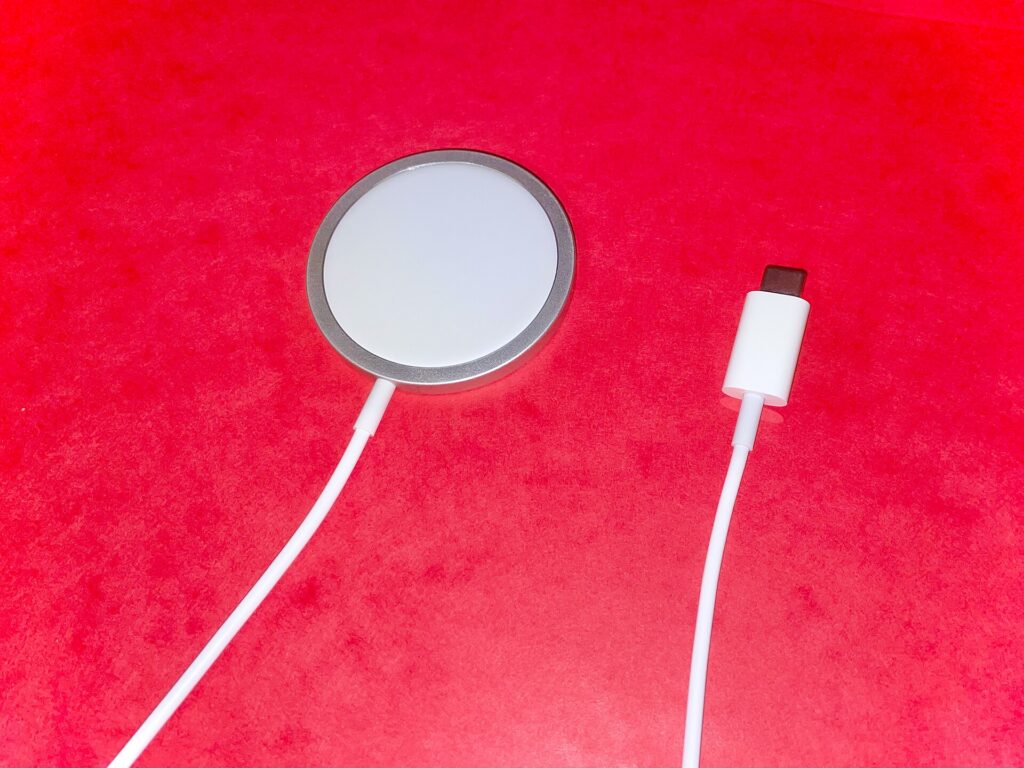
- The iPhone charger is a wireless charging pad, usually magnetic. Most iPhone models from the iPhone 12 onward support MagSafe, Apple’s magnetic wireless charging system (Apple’s MagSafe guide lists the exact models), and newer iPhones also support Qi2, the magnetic wireless charging standard from the Wireless Power Consortium. Magnets hold the phone in the right spot, which matters because wireless charging is sensitive to alignment.
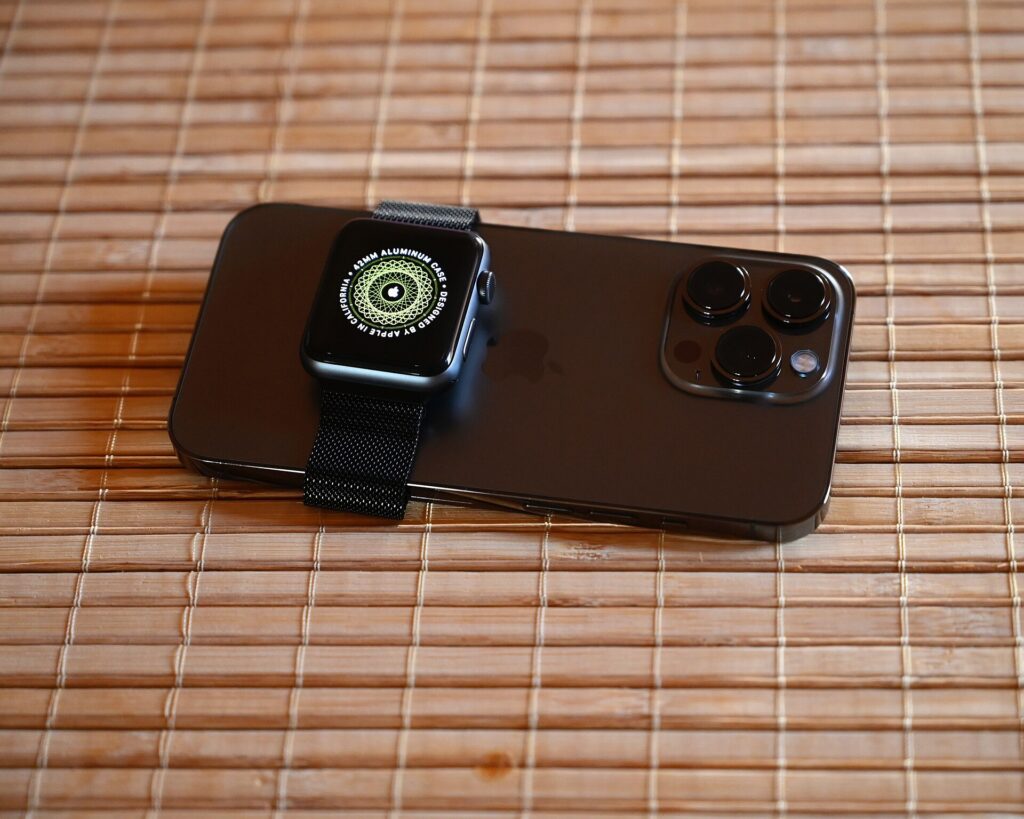
- The Apple Watch charger is a separate magnetic puck. Apple Watch does not charge on an ordinary phone wireless pad; it needs its own charger. Apple recommends chargers made by Apple or chargers that have completed its MFi certification and carry the “Made for Apple Watch” badge, and it explains how to spot them on its page about identifying authentic and certified Apple Watch chargers.
- The AirPods charger is usually a small wireless pad or cradle. It works with AirPods cases that support wireless charging; a case that charges only by cable will not charge on the pad.
The whole unit then draws power from a wall adapter, usually through a USB-C cable. The adapter matters more than people realize: an underpowered adapter can make everything charge slowly, or leave one device not charging at all.
MagSafe, Qi2 and plain Qi
These labels cause more confusion than anything else on charger listings:
- MagSafe is Apple’s magnetic wireless charging for iPhone. Apple’s own MagSafe Charger guide lists the iPhone models it supports and the adapter wattage it recommends for the fastest charging.
- Qi2 is an open standard from the Wireless Power Consortium that adds magnetic attachment to Qi wireless charging. Certified Qi2 chargers are designed to work with recent iPhones in much the same way as MagSafe, and the consortium keeps a database of certified products.
- Qi is the older, non-magnetic wireless standard. It still charges an iPhone, but without magnets the phone can slip out of position, and charging is generally slower.
- “MagSafe-compatible” on a third-party product usually means it has magnets that attach to an iPhone, not that it is certified by Apple or charges at the same speed as Apple’s own charger. Look for Qi2 certification or official MagSafe certification if speed matters to you.
Who needs a 3-in-1 charger, and who does not
A 3-in-1 makes the most sense if you carry all three devices every day and travel often enough that packing three separate chargers has become a chore. Frequent business travelers, people who wear an Apple Watch to track sleep or workouts on the road, and couples who share one nightstand in a hotel room get the most out of one. It makes less sense if you do not own an Apple Watch or wireless-charging AirPods, since a 2-in-1 or a single magnetic charger will be smaller and cheaper. It also makes less sense if you mostly charge in the car or at your desk by cable, or if you are happy with a single multi-port USB-C charger and three short cables, which is lighter still. Be honest about your routine before you buy.
What to look for in a travel 3-in-1 charger
Folded size and weight
The biggest difference between a travel charger and a desk charger is how it packs. Foldable 3-in-1 chargers close into a flat square or a small block that fits in a cable pouch. Weighted desk stands are stable on a nightstand but heavy and awkward in a bag. For travel, folded size and weight matter more than looks.
Charging speed
Speed is set by the charger’s rating, its certification and the adapter you plug it into. Watch and earbud chargers are slower by design. For most travelers, overnight charging is what matters, and nearly any decent 3-in-1 fills everything by morning. Faster charging helps if you top up during a short hotel stop or an airport lounge visit.
Power adapter included or not
Some 3-in-1 chargers come with a wall adapter, others only with a cable. If an adapter is not included, check the minimum wattage the maker recommends and make sure the adapter you already carry meets it. Using an underpowered adapter is the most common reason a 3-in-1 charger seems slow or unreliable.
Apple Watch module
Check that the watch puck supports your watch model and, ideally, that the charger is MFi-certified for Apple Watch. Some chargers let the puck tilt to a flat position so the watch can sit in nightstand mode on its side, which is a nice touch in a dark hotel room.
Case compatibility
Magnetic chargers work best with the phone bare or in a case designed for MagSafe. Thick, rugged or non-magnetic cases can weaken the magnetic hold and slow charging or stop it entirely. Remove card wallets before charging; Apple warns not to put credit cards, security badges, passports or key fobs between an iPhone and a MagSafe charger because it can damage magnetic strips or chips.
Stand or flat pad
A stand holds the phone upright so you can see notifications, use it as a bedside clock or take a video call while it charges. A flat pad packs thinner. Many foldable designs manage both, with a panel that props up or lies flat.
Heat and safety
Wireless charging creates heat. Good chargers include temperature protection, and iPhones manage battery heat themselves; Apple notes that if the battery gets too warm, software might limit charging above 80 percent. Charge on a hard surface with some air around it, not under a pillow or on a bed, and do not charge in direct hot sun.
| Feature | Why it matters for travel | What to check |
|---|---|---|
| Foldable design | Packs flat in a cable pouch | Folded size and weight |
| MagSafe or Qi2 for iPhone | Magnetic alignment and faster wireless charging | Certification, not just “compatible” |
| Apple Watch puck | Charges the watch without a separate cable | MFi “Made for Apple Watch” badge, model support |
| AirPods pad | Charges wireless-charging cases | Your case supports wireless charging |
| Included adapter | One less thing to buy and match | Wattage, plug type, 100 to 240 V input |
| USB-C input | Shares a cable and adapter with other gear | Cable length for hotel outlets |
| Stand mode | Bedside clock, video calls | Stability when you tap the screen |
| Temperature protection | Safer overnight charging | Maker’s stated protections |
Seven styles from our original list
The original version of this guide featured seven chargers. Most were listed by description rather than by brand and model, so we have kept them as styles, with what each is good for. Two were Anker MagGo models, which we describe below. Designs change and third-party listings change often, so check the current details from the maker before you buy.
1. Foldable magnetic 3-in-1 dock
A tri-fold or bi-fold magnetic dock that charges iPhone, Apple Watch and AirPods and closes flat for packing. This is the classic travel 3-in-1: small enough for a cable pouch, quick to set up on a nightstand. It suits frequent flyers and minimalist packers. Check the certification for the iPhone pad, whether the watch puck is certified, and whether an adapter is included.
2. Desk charging station
A heavier stand with the phone held upright, the watch on an arm and AirPods on a base. It keeps a desk tidy and makes notifications easy to see, which is why the original list included one for workstations. It is a better fit for a home office than a suitcase, but worth it if you split time between home and a regular second base, such as a company apartment.
3. Anker MagGo 3-in-1 charging station
Anker’s MagGo line includes several 3-in-1 chargers for iPhone, Apple Watch and AirPods built around Qi2 wireless charging for the phone. Anker makes both stand-style and foldable versions, so look at the current range on Anker’s official product page and compare the folded size, the included accessories and the watch models listed as compatible. A MagGo station suits Apple users who want a charger from a well-known accessory brand with Qi2 certification rather than a generic “magnetic” label.
4. Slim charger for the nightstand
A low-profile charger designed to look tidy on a bedside table, often with indicator lights. It suits people who want one charger for home and occasional trips. If you want it for travel, check that the indicator lights can be dimmed or are not too bright; a glowing charger in a dark hotel room is surprisingly distracting.
5. Foldable magnetic dock for travel
A compact folding dock sold specifically as a travel charger, with magnetic alignment for the phone and room for the watch and earbuds. It is aimed at the same traveler as the first style but usually prioritizes the smallest folded size. Small chargers can be light enough to be pulled off a nightstand by a cable, so check how stable it feels with the phone attached.
6. Anker MagGo foldable Qi2 charger
The original list also featured a foldable Anker MagGo charger. On Anker’s product page, the MagGo Wireless Charging Station (Foldable 3-in-1) is listed with Qi2 charging for the iPhone, separate charging for Apple Watch and AirPods, a folding design, and a USB-C wall charger and cable in the box. It is a strong fit for travelers who want a certified, foldable 3-in-1 with the adapter included, so there is nothing extra to match. Check the compatibility list on the product page for your watch and earbud models.
7. Travel 3-in-1 charger with a night light
A magnetic 3-in-1 charger with a built-in soft light. In an unfamiliar hotel room, a gentle light by the bed is genuinely useful for finding the bathroom at night without switching on the room lights. It also makes a practical gift for a frequent traveler. Check that the light can be turned off completely for people who sleep better in full darkness.
Using a 3-in-1 charger abroad
Most of the work is in the adapter, not the charger:
- Check the adapter’s input rating. Apple says its USB power adapters are designed for power sources from 100 to 240 volts at 50 to 60 hertz, which covers most of the world. Many third-party USB-C adapters are similar, but check the small print on yours.
- Bring a plug adapter, not a converter. If the power adapter accepts 100 to 240 volts, you only need the right plug shape for the country.
- Consider a multi-port USB-C charger with swappable plugs. One well-made charger can run the 3-in-1 and your laptop, and replace several bricks.
- Pack a longer cable. Hotel outlets are often behind the bed or across the room. A cable long enough to reach the nightstand saves you from charging on the floor.
For the rest of your tech kit, from adapters to cable pouches, see our guide to laptop travel accessories.
Flying with chargers and power banks
A 3-in-1 wireless charger has no battery of its own, so it is simply an electronic accessory. Magnetic power banks and other battery packs are different, because they contain lithium batteries. The principles:
- Power banks and spare lithium batteries go in your carry-on only. They are not allowed in checked baggage. If your carry-on is gate-checked, take them out first.
- Watt-hours set the limits. Most phone power banks fall well under the common 100 Wh threshold. Larger batteries generally need airline approval, and there is an upper limit beyond which they are not allowed.
- Protect the terminals by keeping spares in their packaging, a case or a separate bag, away from keys and coins.
- Airlines can be stricter. Some carriers have added their own rules about using or charging power banks during flights, so check your airline before you fly.
- Damaged or swollen batteries should not fly.
Official guidance: the FAA’s PackSafe page on lithium batteries, the TSA’s power banks entry and CATSA’s guidelines for batteries for Canadian airports. Rules change, so confirm before each trip.
Charging on the move: airports, planes and hotels
At the airport
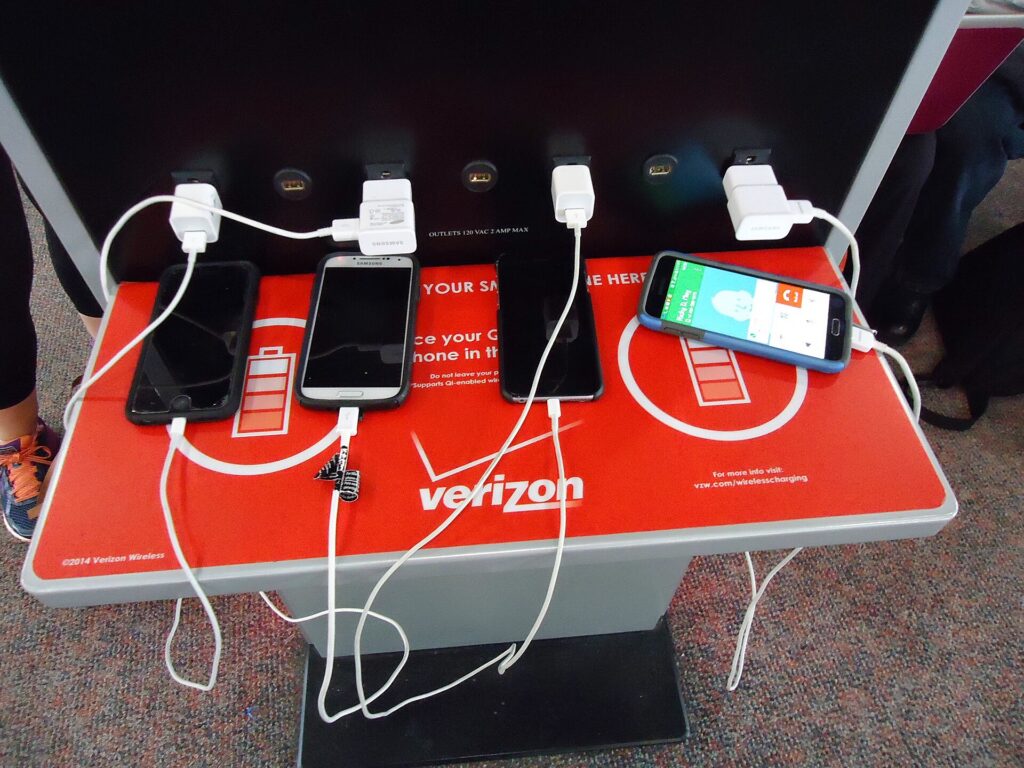
Airport charging stations and seat outlets are handy, but they are often crowded or broken. Arrive with everything charged and treat airport outlets as a bonus. Use your own adapter and cable in public outlets rather than unknown cables left at a station.
On the plane
Seat power varies by aircraft. Some seats have USB ports that deliver limited power, some have AC outlets and some have nothing. A 3-in-1 charger is not practical on a tray table; a short cable or a small magnetic power bank is better in the air.
At the hotel
Set up the charger on the nightstand as soon as you arrive, and make it the one place your phone, watch and earbuds go every night. That habit alone stops most lost-charger and dead-watch mornings. When you check out, the charger is the last thing you pack, and one quick look at the nightstand tells you if you have left anything behind.
On a road trip
In a rental car, a magnetic car mount and a single USB-C cable are more useful than a 3-in-1. Save the 3-in-1 for the hotel. If you are planning a driving trip, our car rental search helps you compare options.
Building a smaller charging kit
A 3-in-1 charger is one part of a lighter, simpler travel kit. A good all-Apple setup might be: a foldable 3-in-1 for the nightstand, one multi-port USB-C adapter with swappable plugs, one USB-C cable for the laptop, one short cable for the phone in transit and a small power bank for long days. Keep it all in one cable pouch in your personal item. If you work on the road, add a folding travel keyboard, and if your tech bag is heavy, a rolling laptop bag keeps it off your shoulders. For long flights, noise-cancelling headphones are the other piece of tech most travelers are glad they packed. And for keeping the pouch safe in busy places, our guide to anti-theft backpacks covers bags that make pickpocketing harder.
Common mistakes
- Buying a desk stand for travel. Weighted stands are great at home and heavy in a bag.
- Using a weak adapter. An underpowered adapter makes all three devices charge slowly or not at all.
- Assuming “MagSafe-compatible” means certified. Look for Qi2 or official MagSafe certification if speed matters.
- Forgetting the watch puck matters. Uncertified watch chargers can charge slowly or unreliably.
- Charging through a thick case or a card wallet. Take them off, or use a MagSafe case.
- Packing a power bank in a checked bag. Power banks are cabin only.
- Leaving it on the nightstand. Make the charger the last thing you pack.
Frequently asked questions
Are 3-in-1 Apple chargers safe?
Chargers from reputable brands with proper certification, such as Qi2 for the phone and MFi for the Apple Watch module, and with temperature protection are designed to charge safely. Use the recommended adapter, charge on a hard surface and avoid uncertified no-name chargers.
Will a 3-in-1 charger work with my Apple Watch?
Only if it has a proper Apple Watch charging puck that supports your model. Apple Watch does not charge on a standard phone wireless pad. Check the compatibility list and look for the “Made for Apple Watch” badge.
Can I charge my iPhone through a case?
Usually, if the case is designed for MagSafe or is thin and non-metallic. Thick or rugged cases can weaken the magnets and slow or stop charging. Remove card wallets, badges and key fobs before charging.
Do I need a voltage converter to use a 3-in-1 charger abroad?
Usually not. If your USB-C power adapter accepts 100 to 240 volts, as Apple’s adapters do, you only need a plug adapter. Check the rating printed on your adapter.
Do 3-in-1 chargers come with a power adapter?
Some do and some do not. Check the box contents on the maker’s page and make sure your adapter meets the recommended wattage.
Can I bring a 3-in-1 charger on a plane?
Yes. A wireless charger with no built-in battery is an ordinary electronic accessory. Power banks and other battery packs are different: they must travel in the cabin, not in checked baggage.
Will it charge AirPods?
Yes, if your AirPods case supports wireless charging. Cases that charge only by cable will not charge on the pad.
Is Qi2 the same as MagSafe?
They are different names from different organizations, but both use magnetic alignment for wireless charging, and recent iPhones support both. Qi2 is the open standard; MagSafe is Apple’s own system.
With your charging kit down to one pouch, all that is left is the trip. Compare fares on our flight search, find a hotel on our hotel search and, for road trips, compare rentals on our car rental search. Planning a long weekend? Flights to New York and our guide to things to do in New York will keep your phone busy all day, and your new charger busy all night. For bags and the rest of your gear, start with our main guide to travel luggage.
Keep planning with TicketScanner
- Top travel luggage bags: the buying guide — the travel gear guide
- Laptop travel accessories
- Travel keyboards for working on the road
- Rolling laptop bags for business travel
- Noise-cancelling headphones for flying
- Anti-theft backpacks for travel and commuting
- Neck pillows for flying
- Search flights — compare fares across flexible dates
- Things to do in New York